

How to use the Dynamic Image Tool
- Add DITapp to your Shopify store.
- Once installed, pin the tool for easy access.
- Select your product and add a line drawing to include a pattern file.
- Adjust the settings to give your users options to customize their products.
Save Time Customizing Effortlessly
Streamline your product customization process like never before. Dynamic Image Tool integrates seamlessly with your Shopify store, letting you create stunning, personalized products quickly and efficiently.
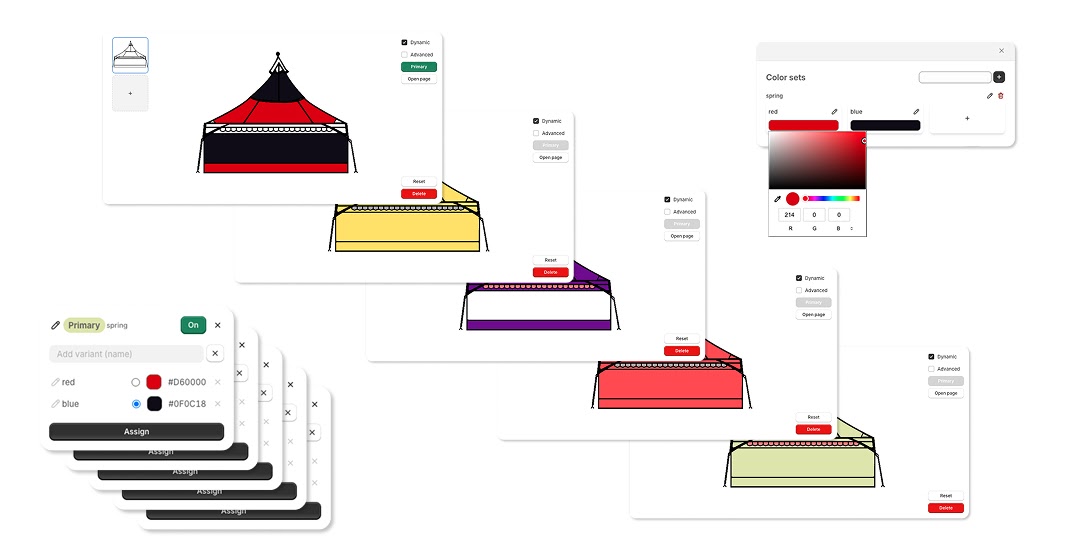
Infinite Customization Variants
The possibilities are endless. Create an infinite number of variants for your products, ensuring that each item is as unique as your customers.
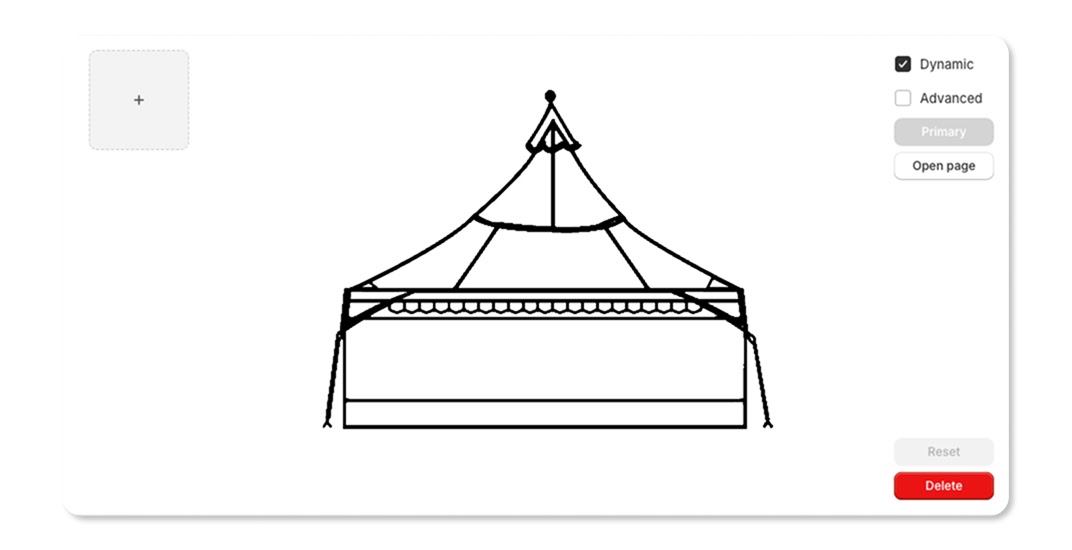
How It Works
-
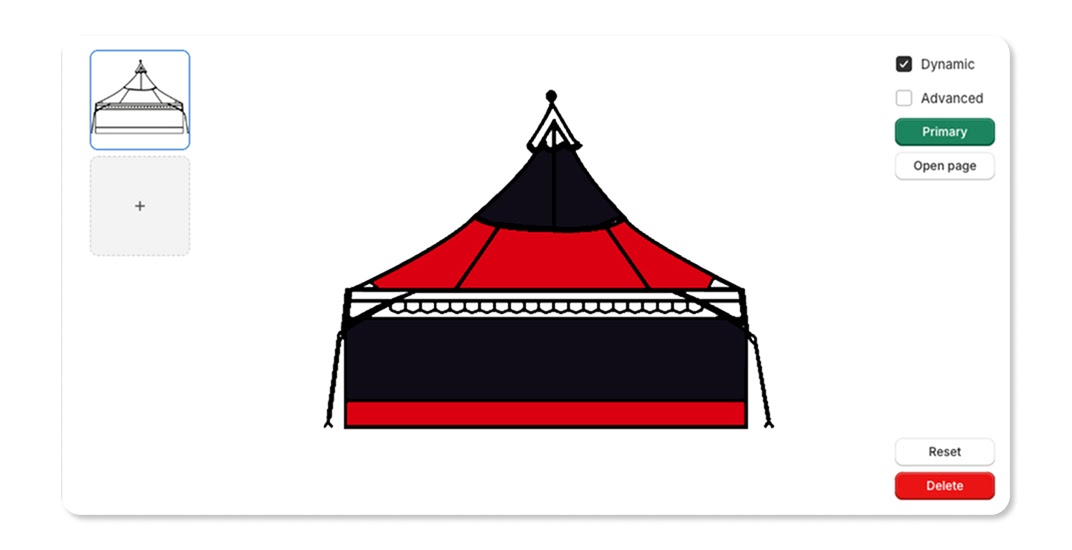
Choose Your Products
Select the products you want to customize. Our tool applies the pattern automatically, creating a beautiful, cohesive design.
-
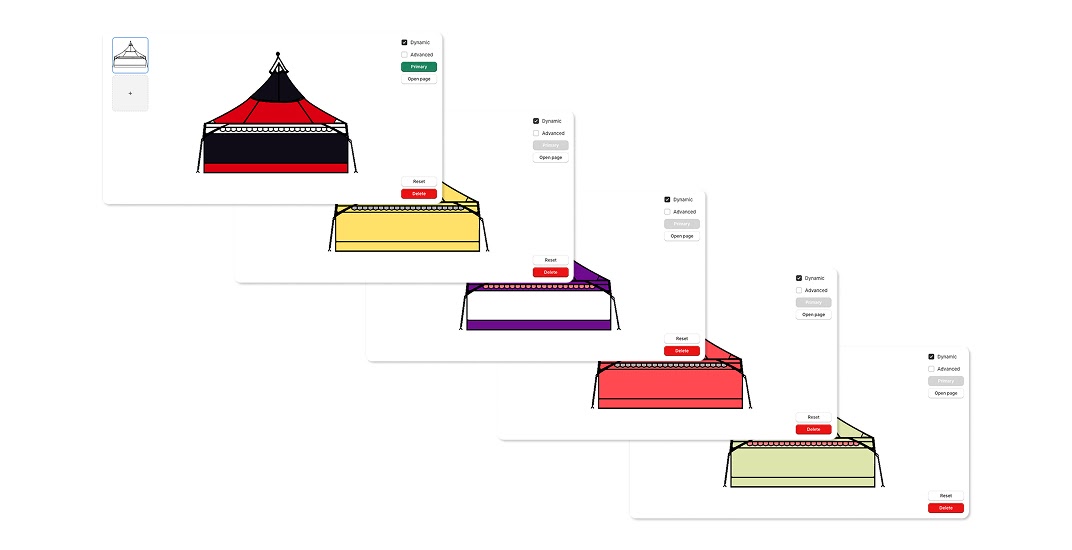
Upload Your Pattern File
Whether it's a JPEG or PNG, simply upload your pattern file to our tool.
-
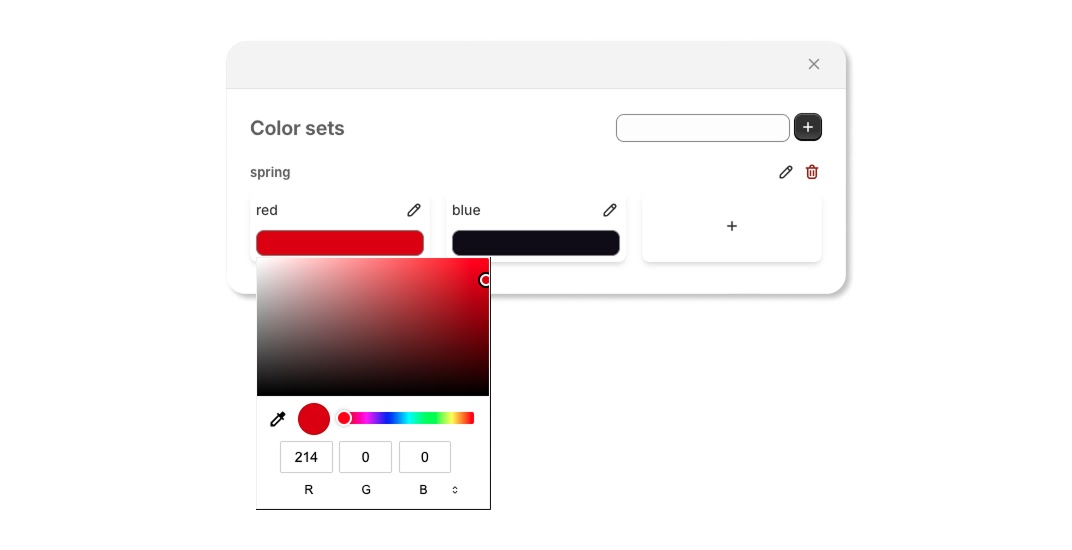
Preview and Edit
See real-time previews of your customized products. Make adjustments until everything looks perfect.
-
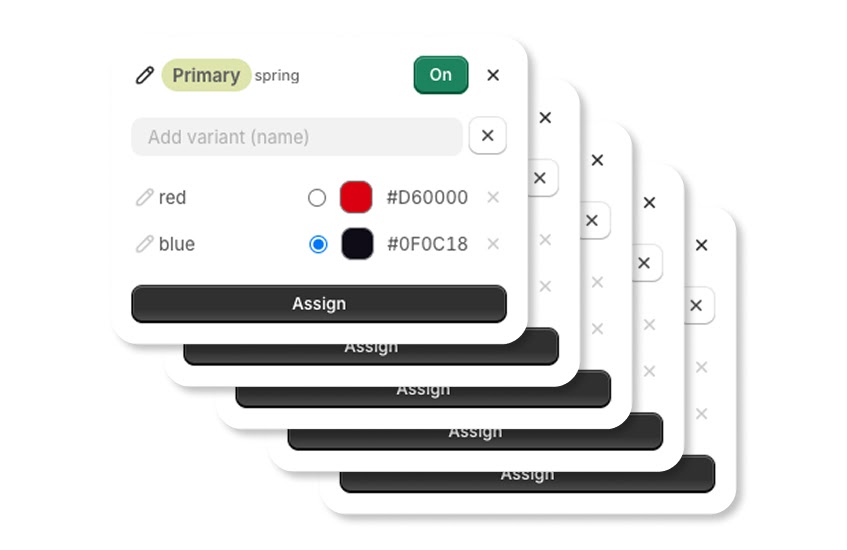
Save and Sync
Save your custom designs and sync them directly to your Shopify store. Ready for customers to explore and purchase.
Endless Possibilities at Your Fingertips
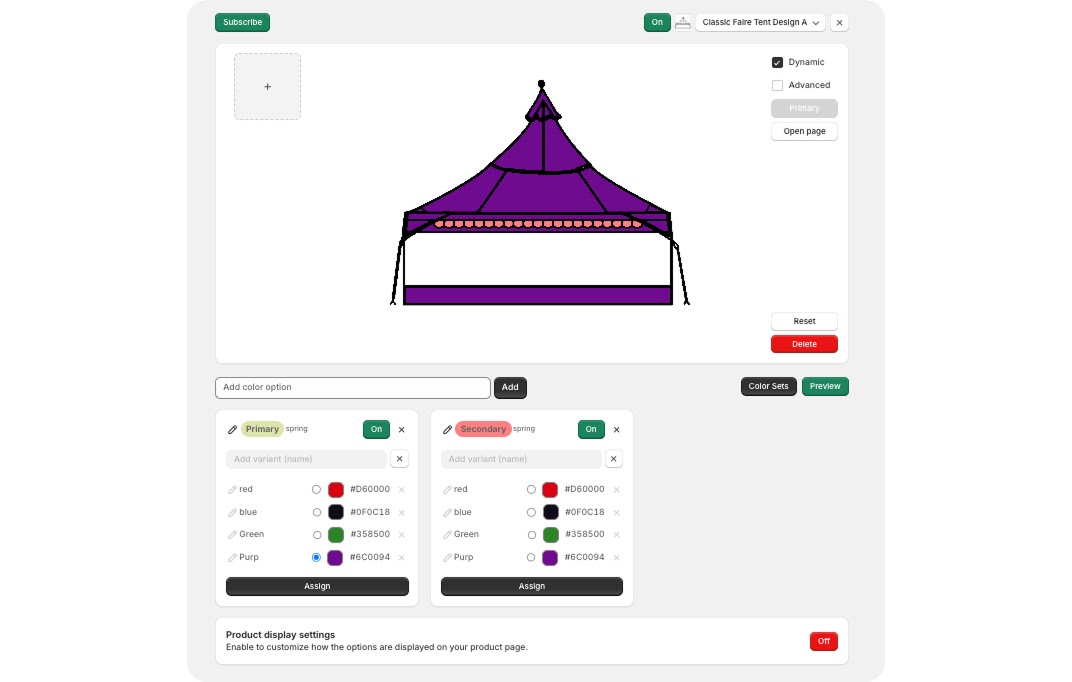
- Infinite Variants Generate countless product variants to match every customer's taste.
- Customizable Color Sets Easily manage colors. Copy existing sets or create new ones by editing, adding, or removing colors.
- User-Friendly Interface An intuitive interface ensures a smooth and enjoyable customization experience.
- Seamless Shopify Integration Direct integration with Shopify for an effortless workflow from design to display.
- Time-Saving Automation Automate your customization process, saving you time and effort.